
Move a lead to another campaign or delete a reply
Send a lead into a different sequence, or clean replies out of your Unibox.
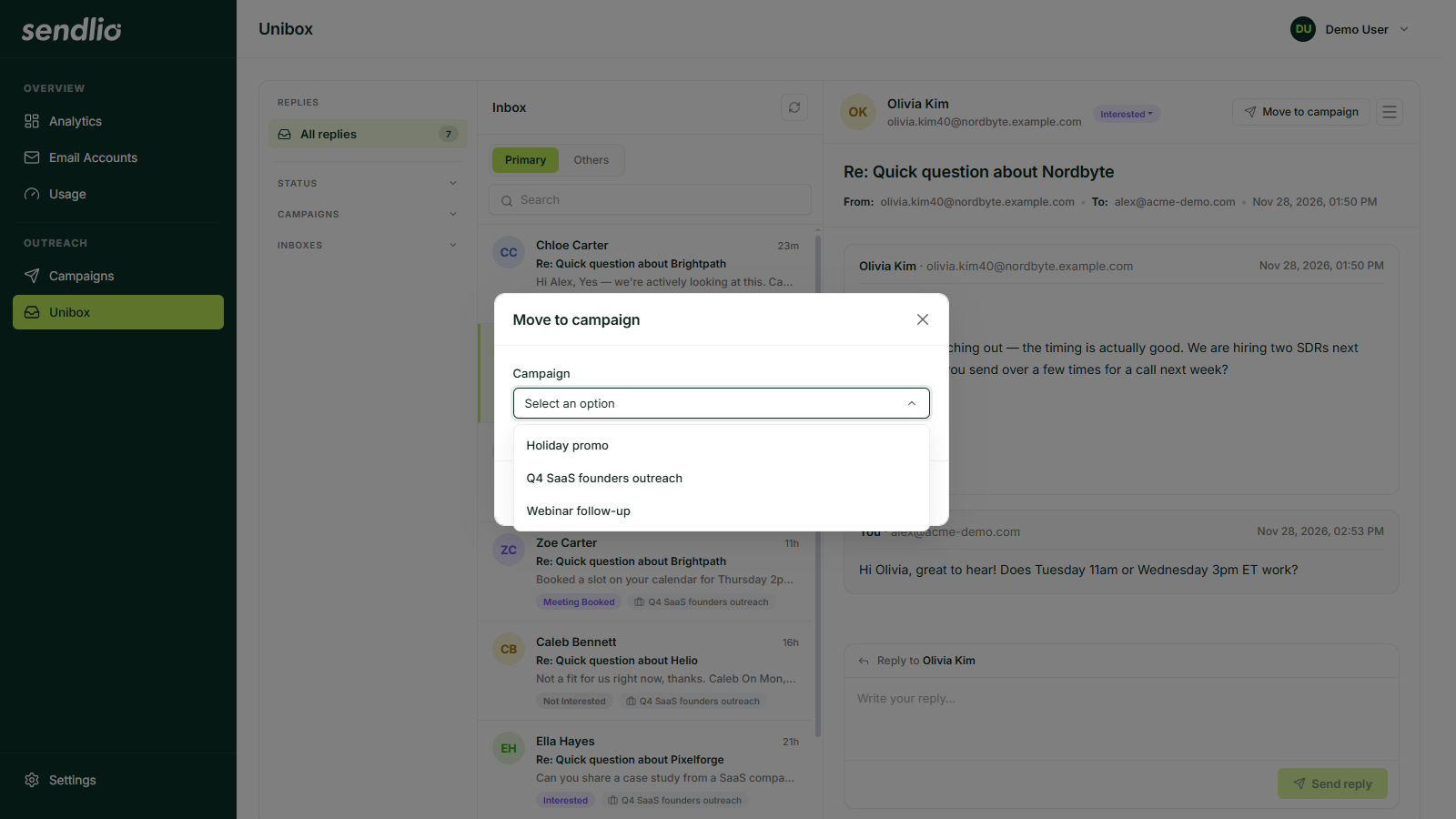
Move a lead to another campaign
- Open the lead’s reply and click Move to campaign.
- Choose the Campaign and click Move lead.
Important
The lead is removed from its current campaign and starts the new campaign from step 1 — they’ll get its emails on its schedule. Use this for things like “not now, try me next quarter”, not for leads you’re already talking to.
Delete a reply
Open the reply, click the ☰ menu and choose Delete Email (or Delete Lead), then confirm.
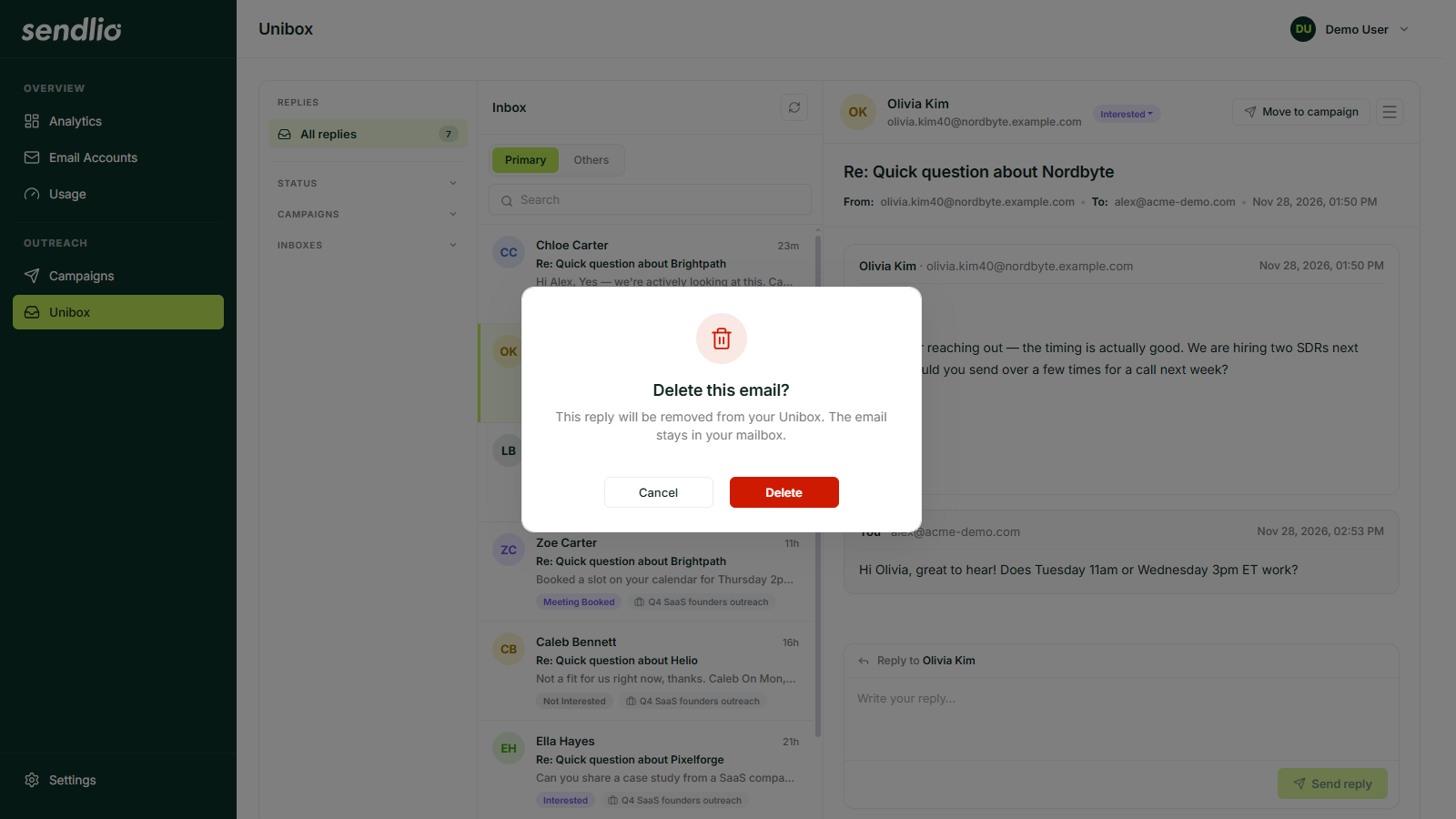
- Only that reply is removed from your Unibox.
- The lead stays in its campaign, and the email stays in your real mailbox.
Important
To delete many at once, tick replies in the list and click the trash icon. This deletes straight away, without asking, and can’t be undone.