
Change the date range
Today, This Week, This Month, Last 30 Days or your own dates.
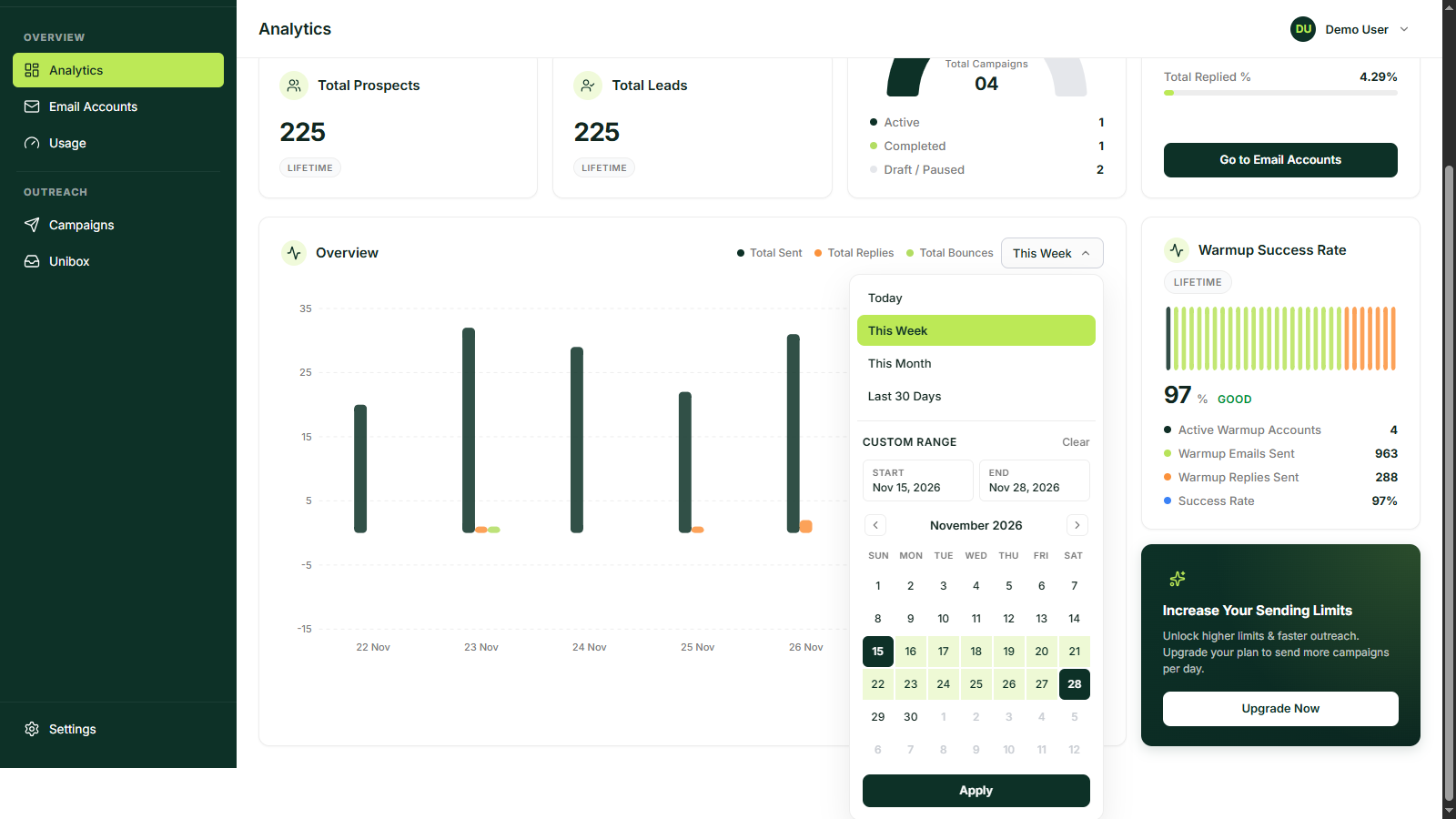
- Click the date menu on the Overview chart (or on Deliverability Health).
- Pick Today, This Week, This Month or Last 30 Days.
- Or under Custom Range, pick a Start and End date on the calendar and click Apply.
| Option | Covers |
|---|---|
| Today | Since midnight UTC. |
| This Week | The last 7 days, including today (not Monday–Sunday). |
| This Month | Since the 1st of this month. |
| Last 30 Days | The last 30 days, including today. |
| Custom Range | Your dates, both days included, up to 366 days. |
Tip
The Overview menu also sets the period for the Emails Sent and Replies Received cards at the top. Deliverability Health has its own menu.